How to Connect a Checkweigher to Your Conveyor System
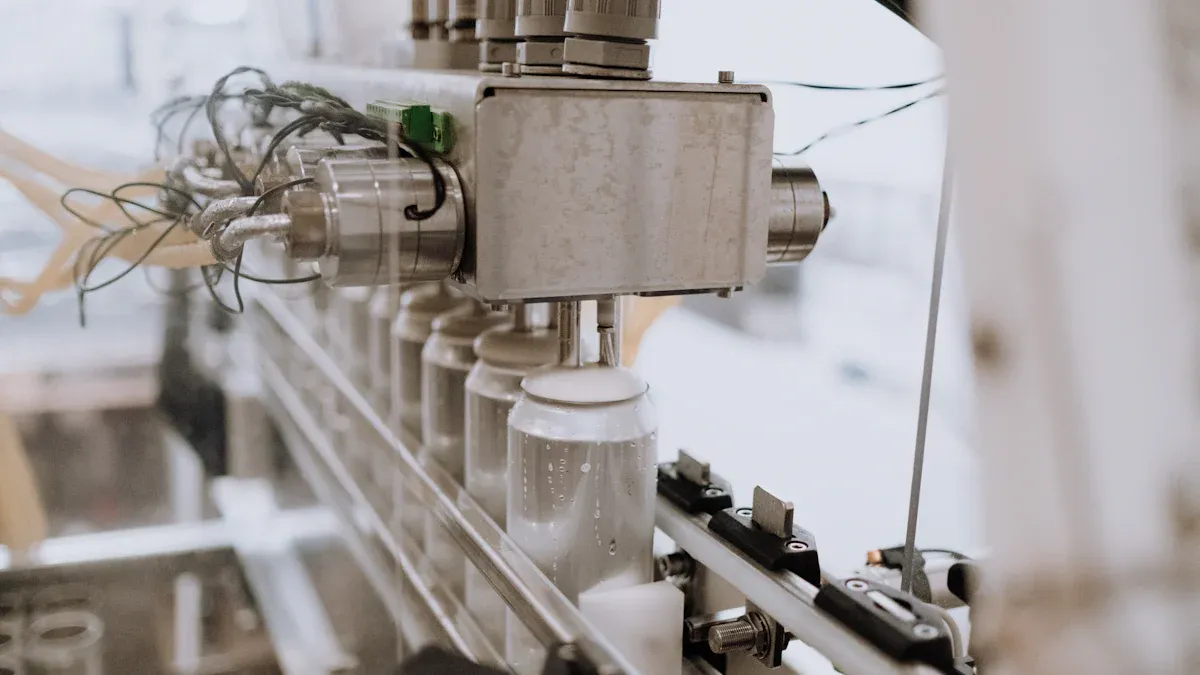
You will prepare your production line for a seamless connection. This process ensures precise in-motion weighing. You will then connect power and data systems to your dynamic checkweigher. Finally, you calibrate for accuracy, whether it's a standard Automatic Weight Sorting Machine or a specialized Hairy Crabs Multi-Level Weight Sorting Checkweigher Weight Grading Machine.
Key Takeaways
- Plan carefully before you install a checkweigher. Choose the right machine for your products. Make sure your conveyor line is ready.
- Install the checkweigher correctly. Place it in a stable spot. Make sure it is level. Connect it to power and your control system.
- Set up the checkweigher software. Calibrate it with test weights. Test it with products at full speed. This makes sure it weighs items correctly.
Step 1: Pre-Installation Planning and Preparation
A successful integration begins long before you unbolt the first conveyor section. Proper planning ensures you select the right equipment, prepare your line for a seamless fit, and equip your team for a smooth installation process. This foundational step prevents costly rework and minimizes downtime.
Select the Right Checkweigher for Your Product
You must first choose a checkweigher that matches your specific operational needs. Your product's characteristics—including its size, weight, and packaging type—are critical. For instance, a line handling wet products requires a waterproof unit with a high IP rating (like IP65 or IP66) to withstand frequent cleaning. Consider these key factors:
- Product and Environment: Assess your package dimensions and the plant environment. Factors like dust, moisture, and temperature will dictate the necessary build quality, such as stainless steel construction.
- Performance and Throughput: The machine must match your production speed without sacrificing accuracy. Ensure its capacity can handle your full range of product weights.
- Compliance and Software: You need a system that meets industry regulations (e.g., FDA, HACCP). Also, evaluate its software for data reporting and network connectivity.
Assess Your Conveyor Line for Compatibility
Next, you will confirm your existing conveyor is ready for a dynamic checkweigher. The checkweigher's belt dimensions must align with your product size. A common rule is that the weighing belt should be at least 1.5 times the length of your product to ensure an accurate reading.
Pro Tip: Pay close attention to conveyor speed and dimensions. A mismatch can cause inaccurate weights or improper product spacing. For example, a standard checkweigher might have a belt speed of 230 FT./MIN. and a product width capacity of 9 inches. You must ensure your line operates within these specifications.
Prepare the Installation Site and Team
Finally, you must prepare the physical location and your team. The installation area must be free from excessive vibrations, which can interfere with the load cell and cause inaccurate readings. Common sources of vibration include faulty pulleys, worn bearings, or misaligned rollers. You should perform a vibration analysis to identify and correct these issues beforehand. Assemble an installation team with clear roles and ensure they have the necessary tools and safety equipment ready for the project.
Step 2: Mechanical Installation of Your Dynamic Checkweigher
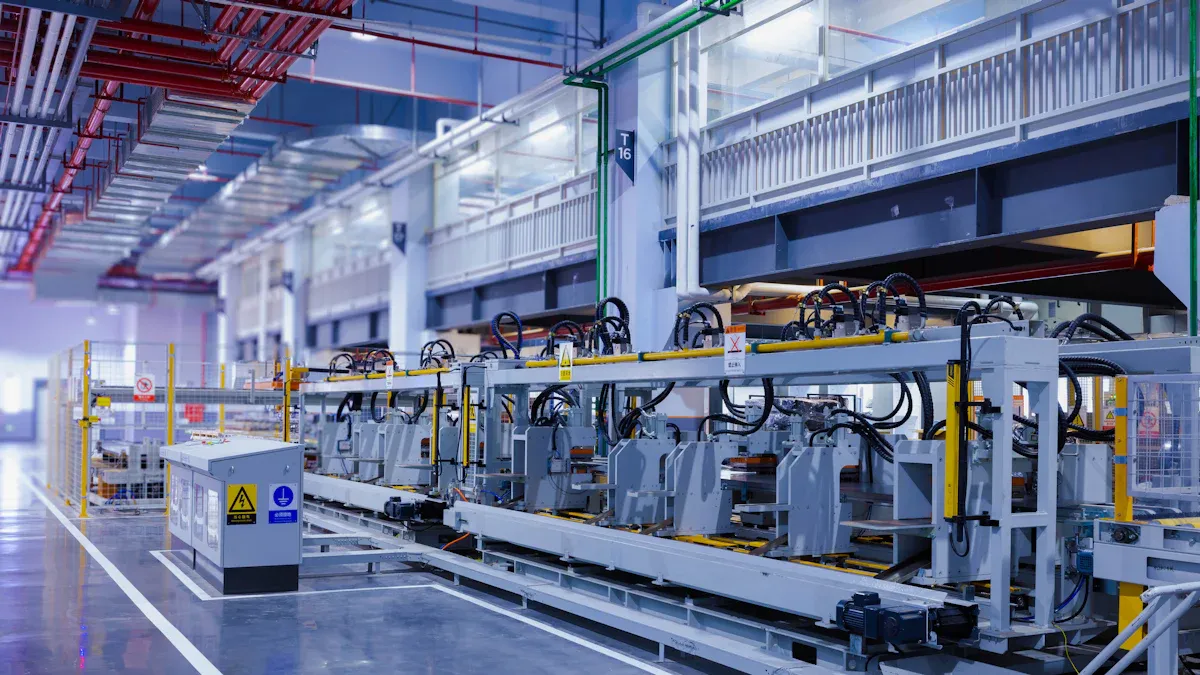
With your site prepared, you can now begin the physical installation. This phase involves carefully positioning and securing the checkweigher within your production line. Your goal is to create a stable, perfectly aligned system that allows products to travel smoothly from the infeed conveyor, across the weigher, and onto the outfeed conveyor.
Identify the Optimal Installation Location
You must first pinpoint the exact spot for your dynamic checkweigher. The ideal location is a stable section of your line, far from heavy machinery or high-traffic areas that cause floor vibrations. Proper placement ensures the machine operates accurately and is accessible for maintenance.
Consider these factors for placement:
- Stability: Choose a location with a solid, level concrete floor. Avoid installing on mezzanines or elevated platforms if possible.
- Product Transition: Place the unit where products are stable and evenly spaced. Avoid areas immediately after a curve or incline where products might be unsettled.
- Accessibility: Ensure your team has enough space around the unit to perform cleaning, calibration, and maintenance tasks safely. 🛠️
- Reject System: The location must accommodate the reject mechanism (e.g., an air-jet or pusher) and a collection bin for rejected products.
Create a Gap in the Conveyor Line
Next, you will modify your existing conveyor to make room for the checkweigher. This step requires precision to ensure a perfect fit. You must measure the exact length of the checkweigher, including its infeed and outfeed sections, to determine the size of the gap you need to create.
Safety First! ⚠️ Before you cut or unbolt any part of the conveyor, you must follow proper lockout/tagout (LOTO) procedures. Disconnect all power sources to the conveyor section to prevent accidental startup and ensure a safe work environment.
Once you have confirmed your measurements, you can carefully remove the designated section of your conveyor. This creates the necessary space to slide the checkweigher into position.
Secure and Level the Checkweigher Frame
You will now move the checkweigher into the gap. Position the frame and use its adjustable feet to level the unit. Use a spirit level on the weighing conveyor to confirm it is perfectly flat. Once leveled, you must securely bolt the frame to the floor. This prevents any movement during operation.
Proper leveling is critical for weighing accuracy. An improperly leveled frame can prevent a product's full weight from being transmitted to the load cells. This misalignment stops the load from being applied directly, leading to incorrect readings. You must ensure each load point is level so the system distributes the product's weight evenly. A stable and level surface is essential for the long-term performance and accuracy of your dynamic checkweigher.
Align Infeed, Weigher, and Outfeed Conveyors
Finally, you must align the checkweigher's conveyors with your main production line. The goal is to create a seamless and smooth path for your products. Any height difference or gap can cause products to tip over, leading to jams and inaccurate weights.
You should adjust the height of the checkweigher's infeed and outfeed belts to match your existing conveyor. Use a straightedge to check for a perfectly flat transition across all three sections. The gap between the conveyors should be as small as possible without them touching.
| Alignment Check | Correct Setup | Incorrect Setup |
|---|---|---|
| Height | All conveyor surfaces are perfectly flush. | One conveyor is higher or lower than the next. |
| Gap | Minimal space (e.g., 1/4 inch) between belts. | Large gaps or belts are touching. |
| Product Travel | Smooth, stable transfer. | Products wobble, tip, or jam. |
A perfect alignment ensures that products move across the weighing platform without any jarring or instability, which is essential for obtaining a precise weight reading.
Step 3: Electrical and Data Integration
After mechanically securing your checkweigher, you will connect its electrical and data systems. This phase brings your machine to life. You will provide stable power, establish critical safety circuits, and link the unit to your plant's control network. A proper electrical setup is the foundation for reliable data collection and automated quality control.
Connect to a Stable Power Source
You must first supply your checkweigher with a clean and dedicated power source. Electrical noise from other machinery can interfere with the sensitive load cell, leading to inaccurate weight readings. You should run a dedicated circuit from a stable power panel directly to the checkweigher. This prevents voltage fluctuations and interference.
Always consult your machine's technical manual for its specific power requirements. Voltage, phase, and amperage can vary significantly between models. You must match your electrical supply to these specifications to avoid damaging the equipment.
Note: Most modern checkweighers support a range of voltages, but you must confirm the exact needs of your model. Below are examples from common industrial units.
Model Example Voltage Phase Amperage Ishida DACS-WN-050 100V-240V AC Single 4.5A Mettler-Toledo Safeline XE 120V Single N/A Ishida DACS-WN-030 120V 3-Phase 3.5A
Integrate Emergency Stop (E-Stop) Circuits
Next, you will integrate the checkweigher's emergency stop (E-Stop) circuit into your production line's overall safety system. The E-Stop is a critical safety feature. It allows an operator to halt the machine immediately in an emergency. You must wire it correctly to ensure it overrides all other functions and brings the equipment to a safe stop.
Your E-Stop integration must comply with safety standards like ISO 13849-1. This standard defines the E-Stop as a "complementary protection measure" that must always be available and operational. To meet these requirements, you should:
- Use a certified E-Stop switch (conforming to IEC 60947-5-5).
- Employ a safety relay module rated for the highest safety level (e.g., Category 4).
- Arrange two contactors to control the power circuit independently.
- Connect the contactors back to the safety relay to verify they have opened correctly.
Proper integration ensures that once you activate the E-Stop, the machine cannot restart until you perform a manual reset. This prevents unexpected start-ups and protects your personnel. 👷
Link to Your Control System (PLC)
You will now connect your dynamic checkweigher to your facility's Programmable Logic Controller (PLC). This connection allows the checkweigher to send and receive data, becoming an intelligent part of your production line. The PLC can collect weight data, monitor machine status, and even change product recipes remotely.
This link is typically made using an industrial communication protocol over an Ethernet cable. Two common protocols are:
- EtherNet/IP: This protocol uses standard Ethernet for real-time control and high-speed data transfer. It is ideal for coordinating complex automation tasks.
- PROFINET: This protocol also provides high-rate data exchange between controllers and devices. It ensures your checkweigher and other machines operate in harmony.
You will work with your controls engineer to map the data points between the checkweigher and the PLC. This ensures weight values, reject signals, and status alerts are communicated correctly.
Wire and Configure the Reject Mechanism
Finally, you will wire and configure the reject mechanism. The checkweigher sends a signal to this device when it detects an out-of-tolerance product. The rejecter then physically removes the item from the production line. You must choose a rejecter that is appropriate for your product's size, weight, and packaging.
Here are some common rejecter types and their best uses:
- Air Blast: Uses a sharp puff of air to push very lightweight products (like bags of chips) off the line. It is not suitable for open or fragile items.
- Pusher: A mechanical arm gently pushes heavier, rigid packages (like boxes or cartons) off the conveyor. It is a versatile option for products up to 10kg.
- Drop Bed / Retracting Conveyor: A section of the conveyor belt drops or retracts, allowing the faulty product to fall into a collection bin below. This works well for sturdy, lightweight items.
- Diverter Arm: A swinging arm or gate guides products onto a separate conveyor lane. You can use this for fragile items like uncapped bottles that need to remain upright.
You must wire the rejecter's actuator to the corresponding output on the checkweigher's control panel. After wiring, you will configure the timing in the checkweigher's software. This setting ensures the rejecter activates at the precise moment the faulty product reaches it.
Step 4: System Configuration and Calibration
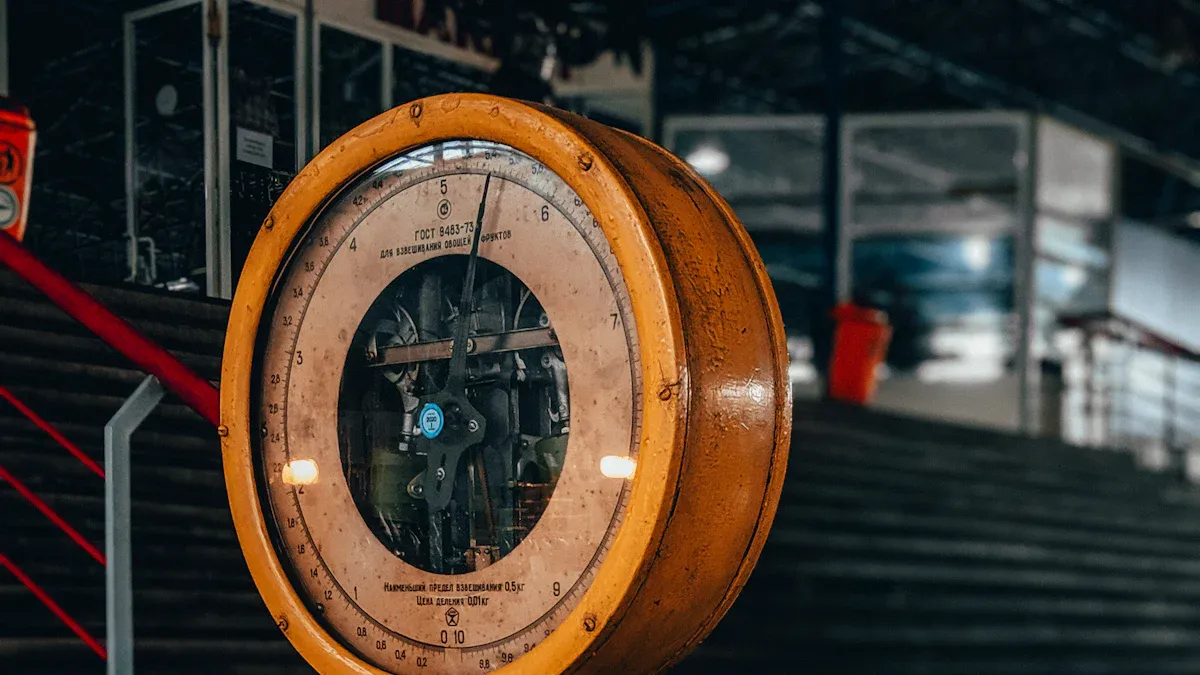
With your hardware installed, you will now configure the software and calibrate the system for precision. This final step ensures your checkweigher accurately weighs, classifies, and sorts products according to your specific quality standards.
Program Product-Specific Parameters
You must first program a unique profile, or "recipe," for each product you will run. This tells the machine what to look for. You will enter key parameters into the system's interface. These settings define the correct weight and acceptable variations.
Key parameters include:
- Stated Weight: The target or label weight of the product.
- Tolerances (T1/T2): The setpoints that define underweight and overweight limits.
- Tare Weights: The weight of the packaging, which the system subtracts.
- Product IDs: Unique codes to identify and track different products.
Perform Static Calibration with Test Weights
Next, you will perform a static calibration to set the machine's baseline accuracy. This process uses certified test weights on a stationary belt. First, you navigate to the calibration screen and zero the empty scale. Then, you place a certified weight on the belt and enter its value to complete the calibration.
Pro Tip: You should perform this calibration regularly. While FDA rules are not specific on frequency, an annual calibration is a common industry expectation. For critical operations, a six-month frequency is highly recommended to ensure compliance and accuracy.
Conduct Dynamic Calibration at Production Speed
You will now calibrate the system while it is in motion. A dynamic calibration accounts for vibrations and other factors present during normal operation. Measurements on a moving conveyor have higher uncertainty, so you must run this test at your actual production belt speed. This ensures the system's readings are accurate under real-world conditions.
Test and Validate the Full System
Finally, you will validate the entire system by running a test batch of products. This test confirms that the checkweigher correctly weighs products and that the rejecter removes non-compliant items. You should monitor two key performance indicators (KPIs):
- Average Weight: This should closely match the actual weight of your test products.
- Standard Deviation: A low number shows the machine is producing consistent, repeatable results.
Your checkweigher is successfully connected when it is mechanically stable, electrically integrated, and accurately calibrated. You should run a final test batch to confirm the system correctly weighs and rejects products at full speed.
For long-term accuracy, you must perform regular maintenance.
- Inspect the unit for faults.
- Replace worn parts to minimize downtime.
- Train operators on proper system use.
FAQ
How often should you calibrate your checkweigher?
You should calibrate your system at least once a year. For critical processes, you can perform calibration every six months to ensure peak accuracy and compliance with industry standards.
Can you use one checkweigher for multiple products?
Yes, you can use one machine for different items. You must program a unique "recipe" for each product. This recipe stores the specific target weight and tolerance settings.
What is the main cause of inaccurate weight readings?
Vibrations are the most common cause of inaccurate readings. You must install the checkweigher on a solid, level floor away from other heavy machinery or high-traffic areas.
Pro Tip: You can perform a vibration analysis before installation. This helps you identify and correct any potential issues that could affect your machine's accuracy.
See Also
Essential Industrial Checkweighers: Top 3 for Every Food Processing Facility
Understanding Pharmaceutical Checkweighers: Key Features and Definitions Explained
Best Capsule Checkweighers for Buyers to Evaluate in the Year 2025
Manganin Copper Shunts: Enhancing Accuracy in Electrical Metering Systems
Simple Maintenance Practices to Avoid Costly Dumbwaiter Elevator System Breakdowns