Prevent Buildup How to Maintain Your Nugget Ice Dispenser
The demand for quality home ice is rising, with the market growing over 5% annually. You can protect your investment with two key tasks. Perform quick weekly maintenance and periodic deep cleaning on your nugget ice and water dispenser. This guide helps your machine run efficiently and extends its lifespan.
Key Takeaways
- Clean your ice dispenser every week. Wipe the outside, wash the drip tray, and clean the ice bin and scoop. This keeps your ice fresh and stops germs from growing.
- Deep clean your ice dispenser every few months. First, remove mineral buildup with a special cleaner. Then, sanitize it to kill germs. This makes your ice safe and keeps your machine working well.
Quick Weekly Maintenance
You can keep your ice dispenser in top condition with simple weekly habits. These quick tasks prevent grime and ensure your ice is always fresh and clean. This routine only takes a few minutes but makes a big difference in your machine's performance.
Wipe Exterior Surfaces
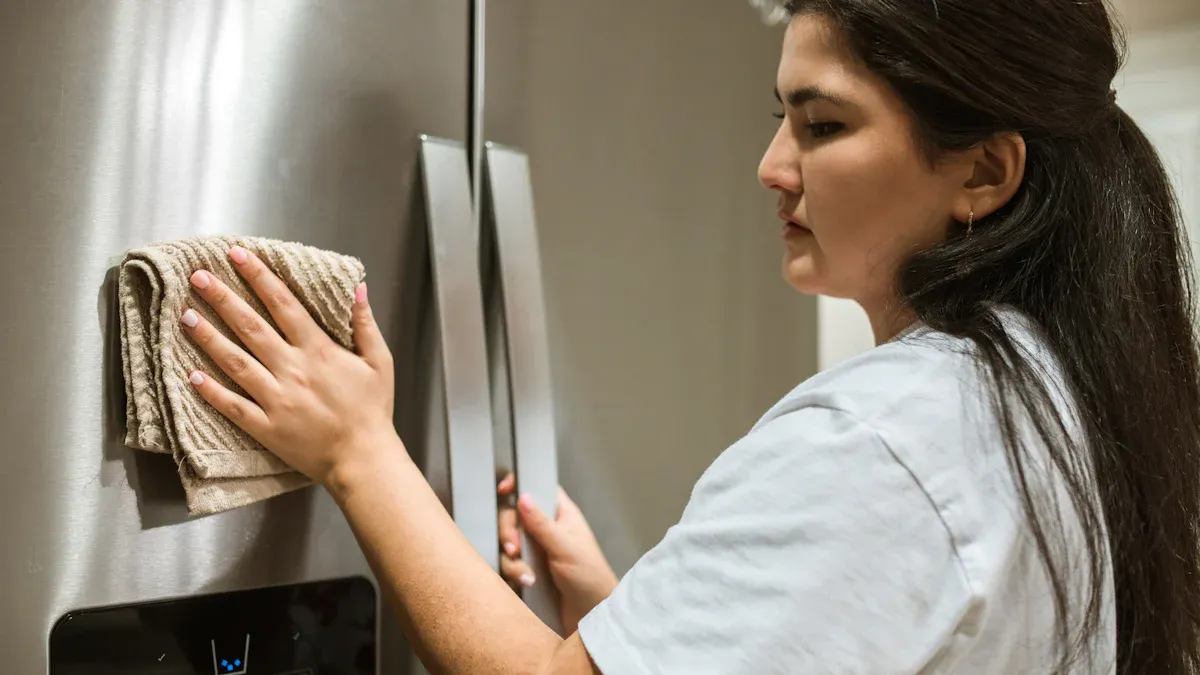
First, you should clean the outside of your ice maker. Use a soft, damp cloth to wipe down all exterior surfaces. You can add a drop of mild dish soap to the cloth for tougher spots. This simple step removes fingerprints, dust, and spills. A clean exterior keeps your appliance looking great in your kitchen.
Clean the Drip Tray
Next, you need to clean the drip tray. This part catches water and ice, making it a prime spot for buildup. Remove the tray and grille, then wash them with warm, soapy water. Uncleaned drain pans can become breeding grounds for harmful microbes.
- Studies show that bacteria like E. coli and Salmonella can grow in these areas.
- Researchers often find Candida spp. and other microorganisms in 100% of drain pans they test.
Rinse the parts thoroughly and dry them completely before putting them back.
Wash the Ice Bin and Scoop
Finally, you must wash the ice bin and scoop. Empty any remaining ice from the bin. Wash the bin and scoop by hand using warm water and dish soap. This prevents the transfer of germs.
Health Alert: Contaminated ice can host dangerous pathogens. Bacteria like Listeria and Salmonella can survive in cold environments and cause serious foodborne illnesses. These germs can form a slimy layer called biofilm, which protects them and makes them harder to remove. Regular washing is your best defense.
Ensure the bin and scoop are completely dry before returning them to the machine.
Deep Cleaning Your Nugget Ice and Water Dispenser
While weekly wipe-downs handle surface grime, a periodic deep clean tackles the internal threats you cannot see. Over time, minerals from your water build up inside your machine. This process, called descaling, is essential for removing these deposits. Sanitizing follows descaling to eliminate germs. This two-part deep clean keeps your ice pure and your machine healthy.
Prepare for Descaling
Your first step is to prepare the machine for descaling. This process removes limescale, a hard, chalky deposit. Hard water is the main cause of limescale. This type of water contains high levels of dissolved minerals.
- Water collects calcium and magnesium as it passes through soil.
- These minerals bond together inside your ice maker and form scale buildup.
- This buildup reduces your machine's efficiency and can create surfaces where germs hide.
You might wonder if you can use household vinegar to descale. You should avoid this. Vinegar is not an EPA-registered sanitizer and cannot kill dangerous biofilms like Listeria. It can also cause serious, irreversible damage to the nickel-plated parts in your nugget ice and water dispenser.
Expert Advice: Always use chemicals specifically made for the job. A nickel-safe ice machine cleaner is designed to dissolve mineral scale without harming your machine's metal components.
Choose a descaling solution that is safe for your appliance.
| Solution Type | Primary Use | Pros |
|---|---|---|
| Nickel-Safe Descaler | Scale removal | Powerful and safe for all metals |
| Plant-Based Cleaner | Weekly maintenance | Non-toxic and eco-friendly |
| Bleach Sanitizer | Disinfecting | Highly effective and affordable |
| UV-C Technology | Continuous prevention | Reduces cleaning frequency, no chemicals |
Before you begin, unplug your nugget ice and water dispenser, drain all water from the reservoir, and empty the ice bin. Prepare your descaling solution according to the package directions.
Run the Cleaning Cycle
With the descaling solution ready, you can now run the cleaning cycle. Pour the mixture into the water reservoir. Plug the machine back in and start the "Clean" or "Descale" mode. Check your owner's manual for the specific button sequence for your model.
A typical self-cleaning cycle takes about 10 to 15 minutes. This gives the solution enough time to circulate and dissolve mineral deposits. If your machine has very heavy buildup, you may need to run the cycle more than once.
Once the cycle finishes, drain the cleaning solution completely. Rinse the water reservoir thoroughly with fresh water to remove any leftover descaler.
Sanitize and Final Rinse
Descaling and sanitizing are two different but equally important jobs. Descaling removes mineral buildup, while sanitizing kills microorganisms like bacteria, mold, and slime.
Aaron Brix, a product management director at Welbilt, explains it well. He states that "Descaling is important because scale is very hard and creates an uneven surface that can host colonies of microscopic bacteria, known as biofilm." He adds that "Sanitizing gets rid of biofilm, or slime."
Here is a simple breakdown of the two processes:
| Feature | Descaling | Sanitizing |
|---|---|---|
| Purpose | Removes mineral buildup (limescale) | Kills microorganisms (bacteria, mold, slime) |
| Target | Visible gunk, mineral deposits | Invisible germs |
| Solution | Acidic solution (descaler) | Chemical agent (sanitizer) |
| Timing | Must be done first, before sanitizing | Done after cleaning and rinsing |
To sanitize your nugget ice and water dispenser, use an EPA-registered, food-safe sanitizer. You can also make your own sanitizing solution.
- Mix 2 teaspoons of household bleach with 1 gallon of water.
- Pour this solution into the water reservoir.
- Run another "Clean" cycle.
After the sanitizing cycle ends, the final rinse is critical. You must remove all traces of the cleaning solution to ensure your ice is safe and tastes fresh. To do this, you should run multiple rinse cycles. Some manufacturers recommend as many as eight rinse cycles. Fill the reservoir with fresh water, run a cycle, and drain it completely. Repeat this process several times. As a final step, make and discard the first few batches of ice to ensure your machine is fully flushed and ready to use.
A consistent cleaning schedule is the key to your machine's longevity. Your clean nugget ice and water dispenser runs more efficiently and uses less energy. Proper care can extend its life well beyond the average 4 to 5 years, guaranteeing you always have fresh, clean ice and preventing costly repairs.
FAQ
How often should I deep clean my machine?
You should deep clean your machine every 3 to 6 months. If you have hard water, clean it more frequently to prevent mineral buildup and ensure optimal performance.
Why does my ice taste bad?
An unclean machine or old water often causes bad-tasting ice. You can improve the taste by cleaning your machine regularly and always using fresh, filtered water.
Can I use tap water in my ice maker?
Yes, you can use tap water. However, distilled or filtered water reduces mineral buildup. This choice means you will need to descale your machine less frequently.